Websites Know Where You Are: How to Browse Without Revealing Your Real Location
5th September 26
Georgia Pritchard
Websites can estimate your location using your IP address, browser settings, and other signals. Understanding these methods can help you take practical steps toward more private everyday browsing.
Your online location can be revealed through several technical signals. Using privacy-focused tools and adjusting browser settings can reduce unnecessary exposure while giving you greater control over your digital footprint.
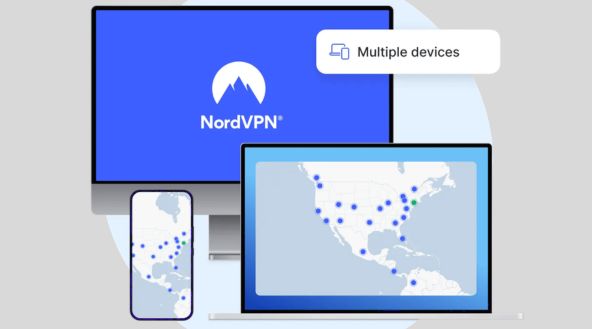
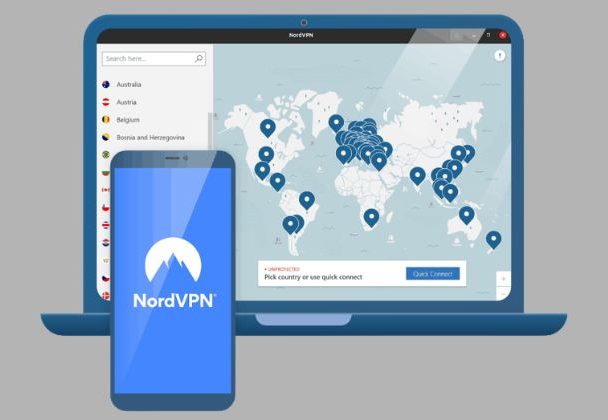
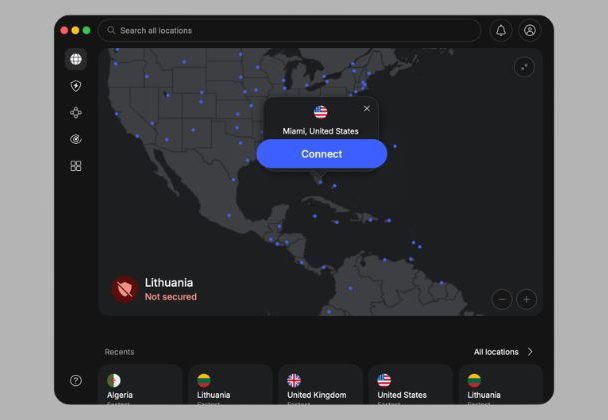
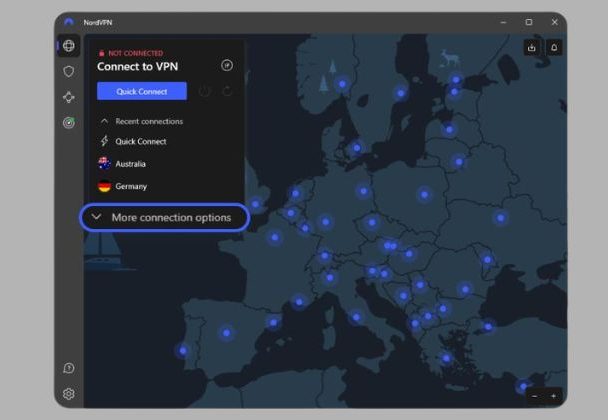
Your IP address can provide websites with an approximate idea of where you are. A VPN can mask your real IP address by routing your internet traffic through another server.
Review Your Privacy Settings
Browsers, apps, and operating systems offer settings that control location sharing, cookies, tracking, and other data collection. Reviewing these options can help minimize unnecessary information exposure during everyday browsing.
Limit Browser Location Access
Websites may request permission to access your device’s location. Review browser permissions regularly and only allow location access when it is genuinely necessary for the website or service you are using.
Use Private and Secure Connections
Connecting through a trusted VPN can encrypt your internet traffic and provide an additional layer of privacy. NordVPN is one option users can consider when they want greater control over their online connection.
Why Does Your Online Location Matter?
Your online location matters because websites often use it to shape what you see — from the ads and search results displayed to the specific content and services offered to you. Even small amounts of location data can reveal patterns about your habits and routines. Limiting unnecessary location exposure helps protect your privacy and reduces how much personal information gets shared during everyday online activities.
A reputable VPN can hide your IP address and encrypt your connection, making it harder for websites and network observers to associate your browsing activity with your actual internet connection. Choose a trusted provider and understand its privacy policies before using the service on public, workplace, school, or unfamiliar networks.
Browsers and mobile devices allow users to decide which websites and applications can access location information. Review these permissions regularly and disable access for services that do not genuinely require precise or approximate location data to function properly or provide genuinely useful features.
Adjusting privacy settings can limit cookies, trackers, and other technologies used to follow browsing behavior. Consider blocking third-party cookies where practical and regularly clearing unnecessary browsing data from your device to reduce persistent tracking and maintain greater control over your online privacy.
Even when your IP address is hidden, websites can learn information from account details, posts, searches, and forms. Avoid unnecessarily sharing your physical location, travel plans, workplace, or other details that could reveal where you are or make it easier for others to identify your movements online.
“I wanted more control over my online privacy while researching and working remotely. Using a VPN and reviewing browser permissions has helped me reduce unnecessary location exposure during everyday browsing.”
Michael Turner — Software Developer
“Understanding how websites estimate location changed how I use the internet. I now check permissions carefully and use additional privacy tools whenever I connect through unfamiliar networks.”
Olivia Harris — Freelance Consultant
“I often browse from different locations, so online privacy is important to me. Adjusting my settings and using a trusted VPN makes my everyday internet experience feel more secure.”